![AT Logo Transparent Bkgd.png]](https://learn.accessible-tech.com/hs-fs/hubfs/Logos/Accessible%20Tech%20Logos/AT%20Logo%20Transparent%20Bkgd.png?width=200&height=58&name=AT%20Logo%20Transparent%20Bkgd.png)
Types of TippyTalk Users
- A TippyTalker is a non-verbal user of the TippyTalk app and the central figure within the TippyTalk community.
- A TippyTalk community is made up of verbal users who support the TippyTalker, including:
- Owner
- Managers
- Members
-
TippyTalk offers two user modes, each tailored to a specific type of use
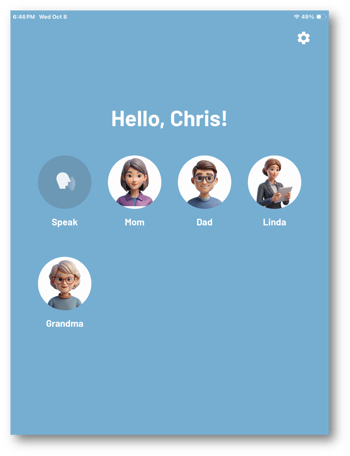
TippyTalker Mode
- This mode is designed for non-verbal users, known as TippyTalkers.
- It facilitates communication by using images, which the app converts into spoken words.
- The mode offers two key functions: speech generation and
- This mode is usually used on an iPad or other tablet.
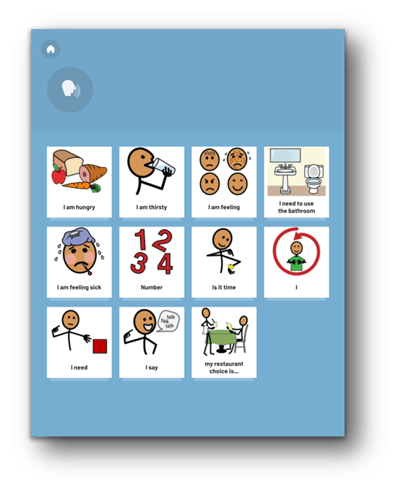
Verbal User Mode
- This mode is used by verbal users, referred to as participants in the TippyTalker’s community.
- It enables management of the TippyTalker's profile and its components, as well as communication with the TippyTalker.
- Additionally, it allows the Admin to quickly switch to TippyTalker.
- This mode is usually used on smartphones.
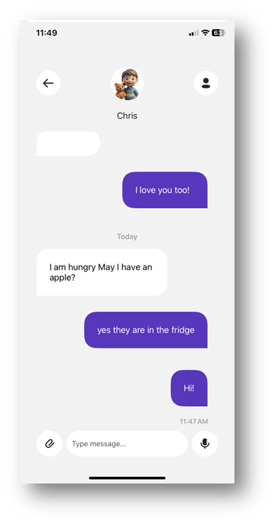
Devices
- For the purpose of this guide, we assume that the TippyTalker uses an iPad and verbal users use an iPhone.
- However, it’s important to note that any user can use an iPad, iPhone, or Android tablet/smartphone interchangeably.
TippyTalker's iPad Owner's Phone
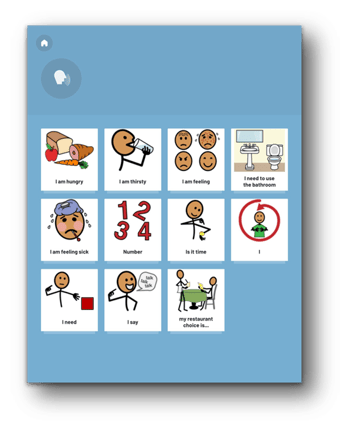
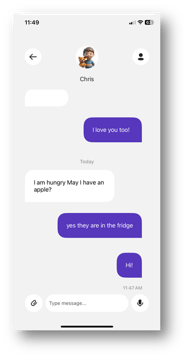
TippyTalker’s Community
There are four roles in the TippyTalk structure:
- The TippyTalker, who is the non-verbal or speech-impaired person and usually uses a tablet
- The Community Owner, who manages the account and does most of the setup
- Community Managers, who have ability to customize cards and add members, and are usually other parents or therapists
- Community Members, who can communicate with the TippyTalker and are added by the Owner or Manager
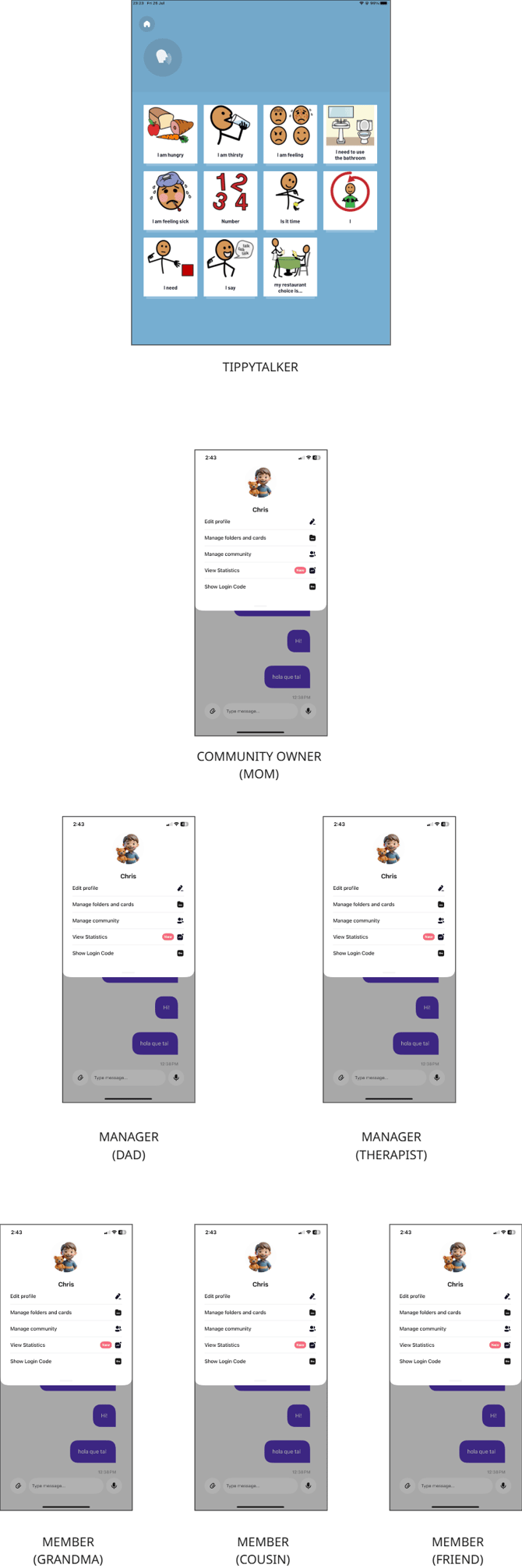
Community Participants - Roles
Each level of verbal user has certain permissions and abilities within the app:
| Features | Owner | Manager | Member |
| Exchange messages with the TippyTalker | + | + | + |
| Manage folders and cards for the TippyTalker | + | + | - |
| Add and remove participants of the TippyTalker’s community | + | + | - |
| members only | |||
| Access statistics | + | coming soon | |
| Generate a login code to log into the app as a TippyTalker | + | - | - |
| Easily switch between their own mode and the TippyTalker’s mode | + | - | - |
| Edit the TippyTalker's profile | + | - | - |
The Owner
- The Owner creates and manages the TippyTalker’s account in TippyTalk, with full control over both the TippyTalker’s account and their associated community.
- The Owner holds the license to use
- Usually the Owner is a parent
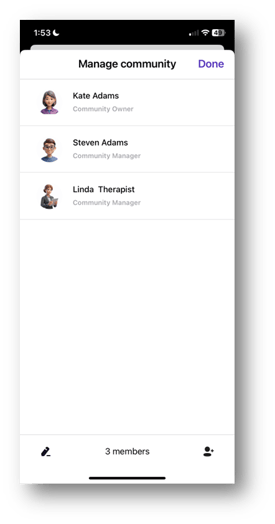 Community Participants and Permissions
The Owner can grant access to both Managers and Members. Each role has a certain level of permission as shown in the table above.
Managers can also grant access to Members.
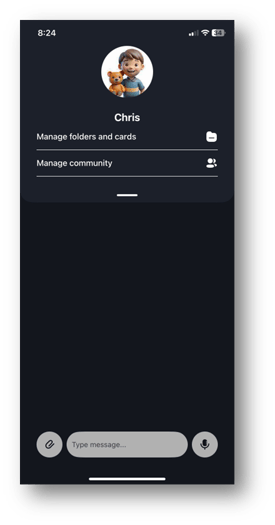
Owner's Permissions Manager's Permissions
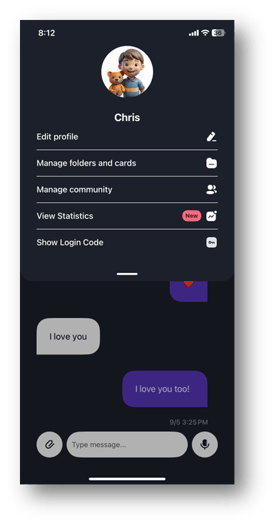
The Manager
- The Manager can manage the TippyTalker’s cards and folders, as well as add or remove members of the TippyTalker’s community.
- Typically, the Manager role is assigned to another parent, therapist, or a close individual based on the specific needs for using the app.